

New Relic
The New Relic collector enables you to stream New Relic data to Anodot for advanced detection and monitoring.
Creating a New Relic data source
-
In the Navigation Panel, go to Integrations > Catalog.
-
Use the Search box OR click the APM filter to locate the data source.
-
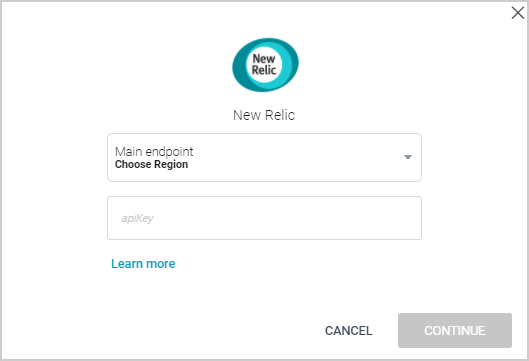
Hover over the New Relic tile, and click Start. Choose the region for your main endpoint, and enter the New Relic apiKey to create the data source.
-
Click CONTINUE.
Creating a New Relic stream query
If you have just created a New Relic data source, skip to step 3.
-
In the Sources page (accessed by clicking Integrations > Sources in the Navigation Panel), filter the list of streams to find the New Relic source for which you want to create a stream query.
Note: The streams associated with that source are displayed. If the streams panel is empty, no stream queries exist for that source. -
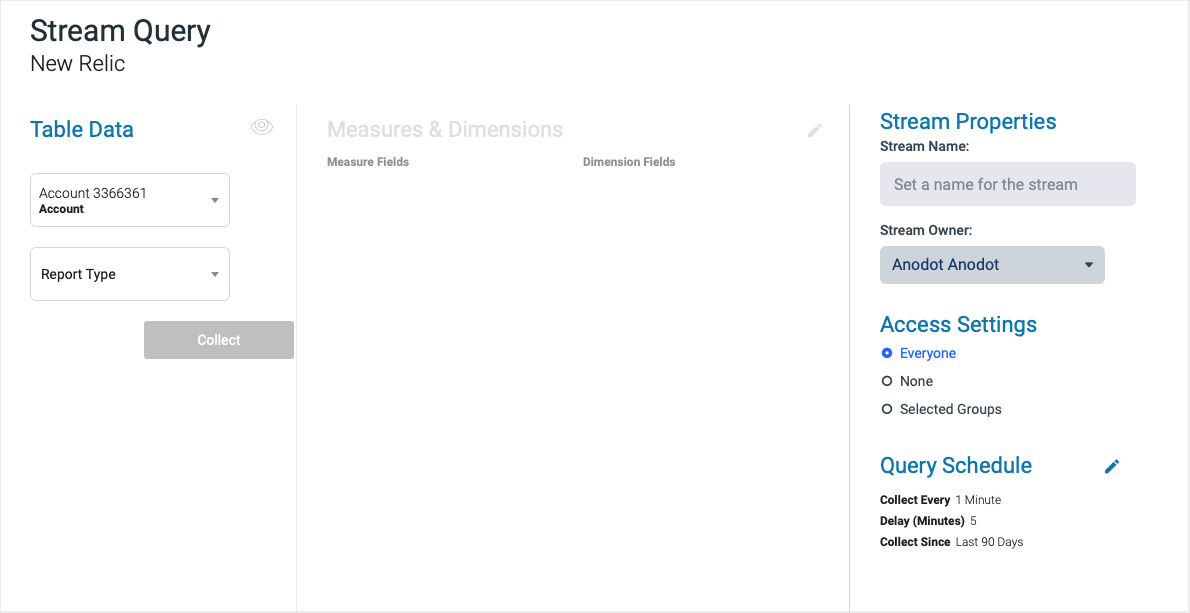
Hover over the New Relic data source, and click + New Stream. The Stream Query page is displayed.
-
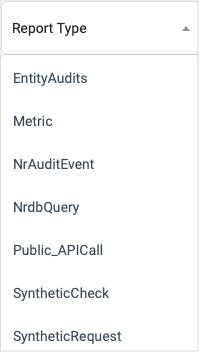
Define your stream query settings in the relevant sections. For example, select the relevant Report Type (the type of data available) from the listed options.
-
Click NEXT. The Stream Table is displayed; see Stream Tables for more information.
Please Note
- The new relic APIs return max 5000 records in the result dataset. per query. Records above 5000 will be ignored and not processed.
- If your implementation requires a custom query, please contact [email protected] to implement it.
Updated over 1 year ago