

Filtering Event Presets in Dashboards
To filter Event Presets
-
Navigate to the Events Viewer in a Dashboard window. See Viewing Events.
-
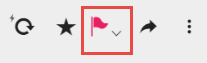
Click the down chevron next to the Events icon.
-
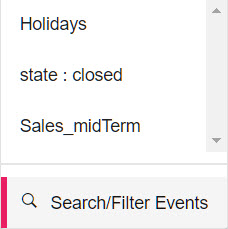
Click Search/Filter Events.
-
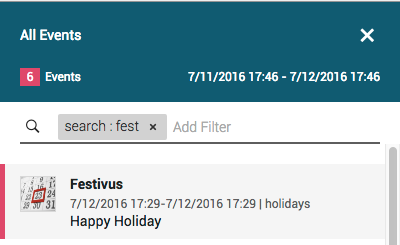
In the Add Filter field
Either select key value pairs from the drop-down menu displayed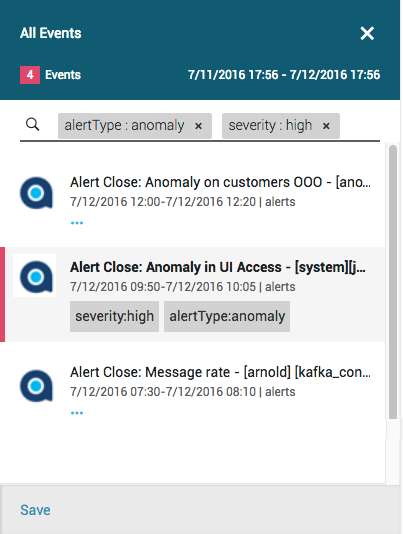
Or do free text search
-
Repeat step 4 until you complete creating the filter.
-
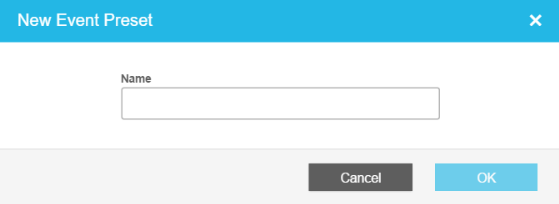
Click Save. The New Event Preset dialog box is displayed.
-
Enter a unique name in the Name field.
-
Click OK.
To program events, see Anodot APIs Reference - Events.
Updated 2 months ago
Did this page help you?