

Configuring Anodot in Google Apps
To activate the Anodot app it must first be added and configured in the Google admin console.
- Log in to your Google admin console.
- Navigate to Security> Single Sign-on Apps.
- Choose the Anodot App. [See Configuring SAML 2.0 for Google.]
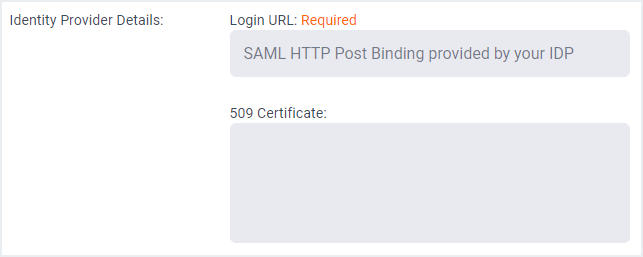
- Copy the certificate to be used in the Anodot configuration.
- Go to Google apps in your browser - check that the Anodot icon is displayed.
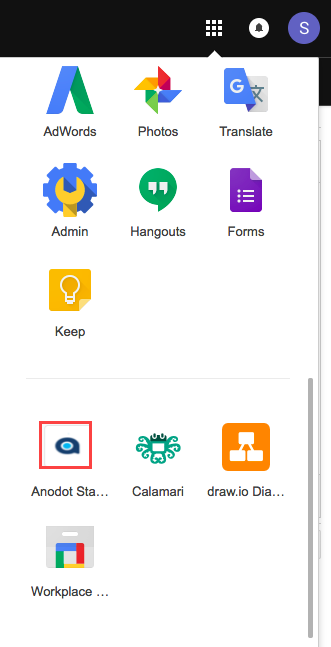
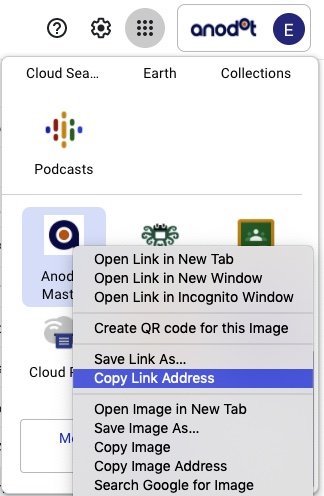
- Right-click on the Anodot icon and copy the Login URL, see the image below.
- Paste the URL in Anodot's Single Sign-on Configuration Identity Provider Login URL field, as shown below.
Updated over 1 year ago
Did this page help you?