

Copying a Dashboard Tile
A Dashboard tile can be copied either to an existing Dashboard or can be used to create a new Dashboard.
To copy a Dashboard tile from one Dashboard to another
-
Open a Dashboard. See Main Dashboard Window.
-
Hover over the Dashboard Tile you want to copy.
-
Select the Settings icon
 > Copy Tile. The Copy Tile dialog box is displayed.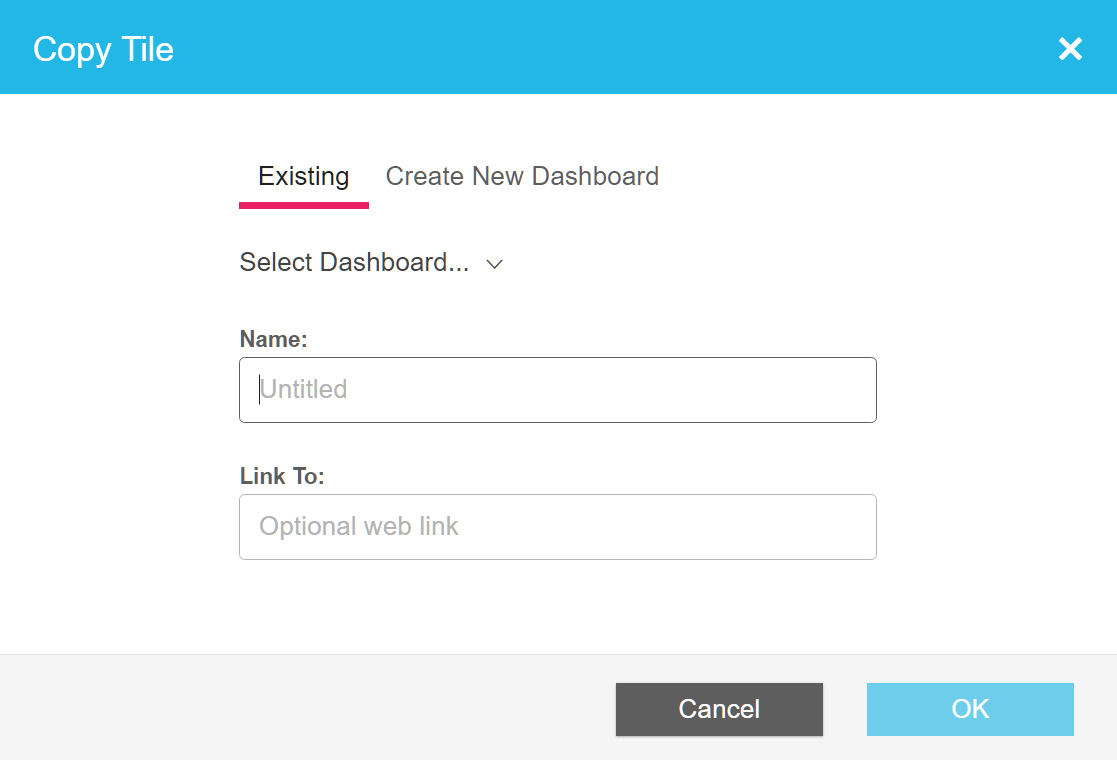
-
Make sure that the Existing option is selected.
-
Open the Select Dashboard... drop-down menu.
-
Select an existing Dashboard.
-
Insert a new name in the Name field.
-
[Optional] Enter a web link in the Link to: field. Converts the Tile title to a hyperlink to the specified site or page.
-
Click OK.
Updated over 1 year ago
Did this page help you?