

Anomaps
Anomaps focus on isolating the what [dimension] metric properties and values of anomalies. Anomaps are ranked by relevancy. By default the five most relevant dimension properties, and their weight based on the selected sort type [Start Date/ Significance/ Absolute Delta][Start Date/ Significance/ Absolute Delta] are displayed on each of the Anomaps. See Anomaly Filters Anomaly and Anomap Filters > Sort.
To change the property dimensions displayed on an Anomap, see Changing Dimension Properties displayed in Anomaps .
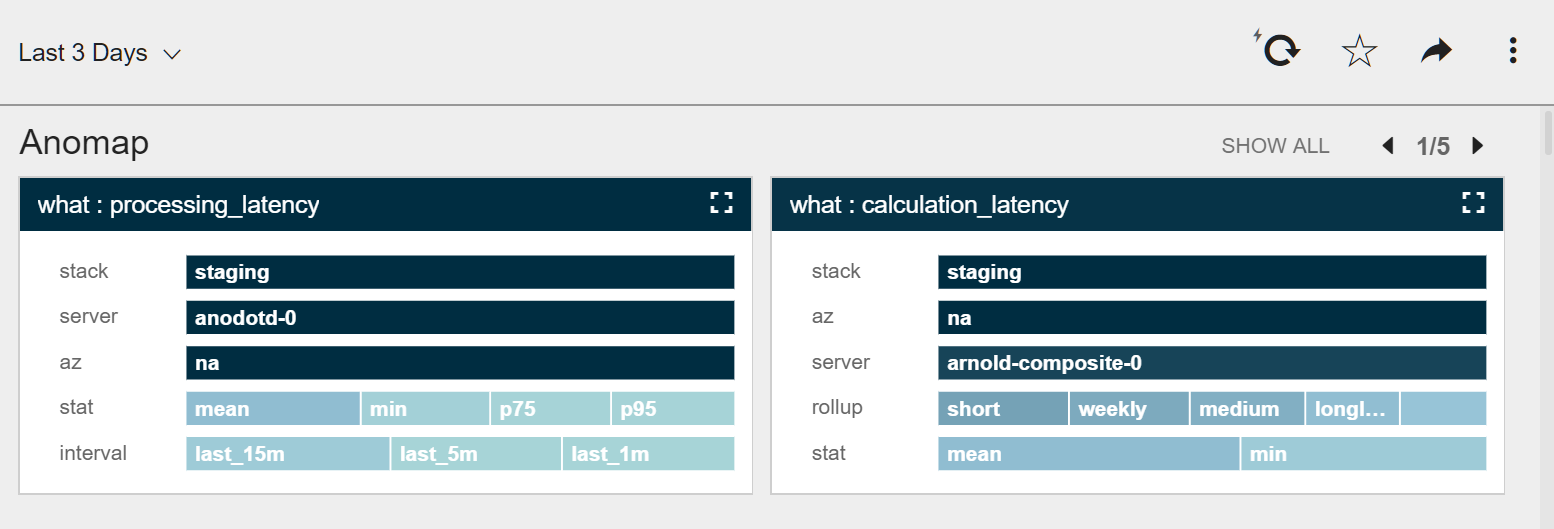
The relevance assessment is displayed using a color code and size scale.

High

Relevant

Low

Marginal
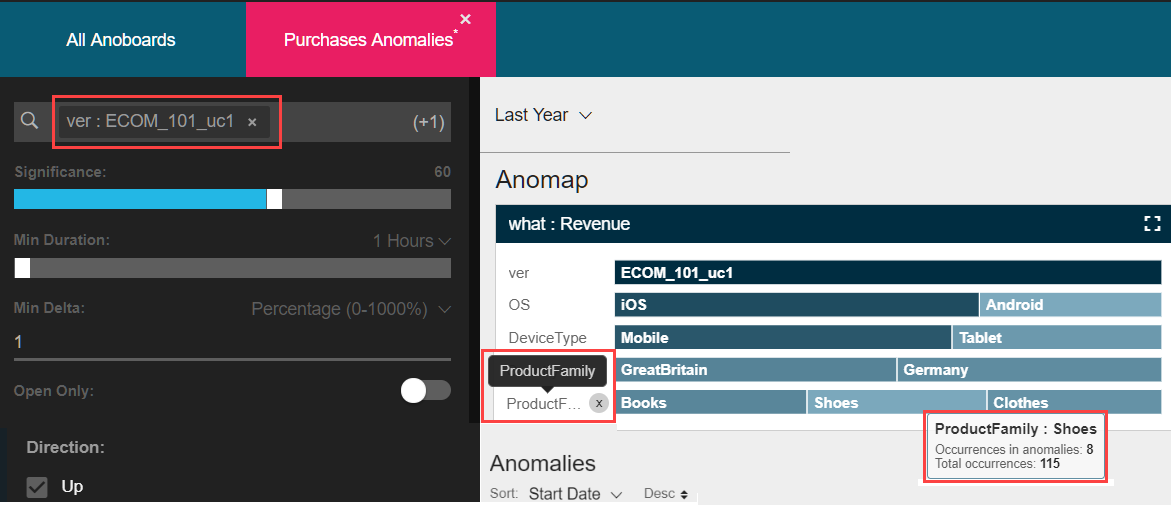
To further refine the Anomap, click any property value. It is added to the filter and is automatically applied to all displayed charts and Anomaps.
| Click | To |
|---|---|
 |
|
 |
|
 | To reset the default Anomap dimension properties |
 | Left/Right carousel arrows to view more maps. The Anomaps carousel can hold up to ten maps. |
 | Collapse the maps and view only the what metrics without their properties and values. Click again, to restore the default view. |
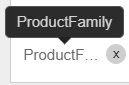 | Hover over a metric to display the complete name. |
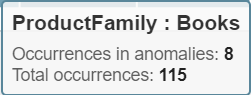 | Display its properties and values. |
To view Anomaps based on different time ranges, time scales, metrics,
significance, duration and weights, see Anomaly and Anomap Filters.
Changing dimension properties in Anomaps
Anomaps ranks and displays dimensions by relevance - the dominant, customer-defined dimensions are by default displayed on the Anomaps. To display dimensions with a lower relevance, remove a displayed dimension.When you remove a dimension:
a/ the next dimension, in order of relevance is displayed
b/ all the value calculations on which the Anomap is based are are updated accordingly.
To remove a dimension property:
- Hover over the dimension property name.
- Click the X button.
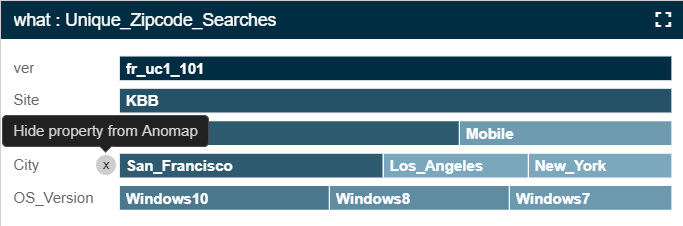
The dimension is removed from all the Anomaps in the Anoboard tile. The dimension is not deleted. It is filtered out from the display. To reset the default Anomap dimension properties, click RESET ANOMAP.
Updated over 1 year ago