

Configuring SAML 2.0 for Google
This article describes how to configure SAML and SSO for Anodot for Google or any other Identity Provider [IDP].
-
Open the Anodot application.
-
From the Navigation Panel, navigate to the Single Sign-on Configuration page [Settings > Authentication].
-
Click the SAML option switch to display the SAML form.
-
In Google (or any other IDP), add Anodot to the applications managed by your IDP.
- Use Anodot's Service Provider details.
- The resulting URL login link and 509 certificate will be used as input in Anodot.
Note: You must have admin privileges in your organization's IDP console. See Configuring Anodot in Google Apps.
-
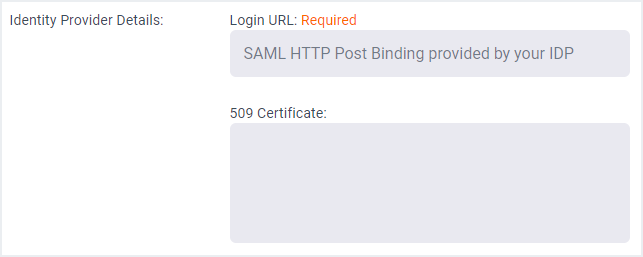
Paste the login link and certificate in the Anodot Single Sign-on Configuration form, as shown below.
Updated over 1 year ago
Did this page help you?