

Adding a Selector to an Expression
To use a Selector to filter a Dashboard chart’s metrics, include the Selector property in the metric expression.
Selector names begin with a dollar sign ($).
-
In the expression box, find the Selector name created in the Dashboard tab. See Creating a Selector. Search:
Either by name: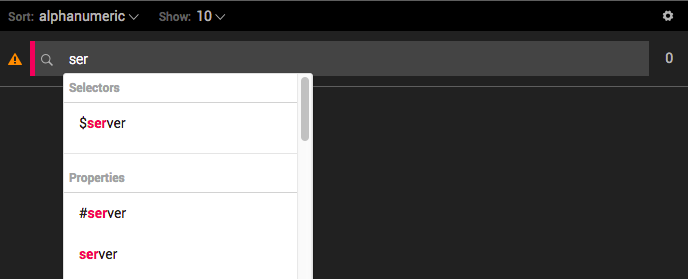
Or, type ‘$’ to list available Selectors:
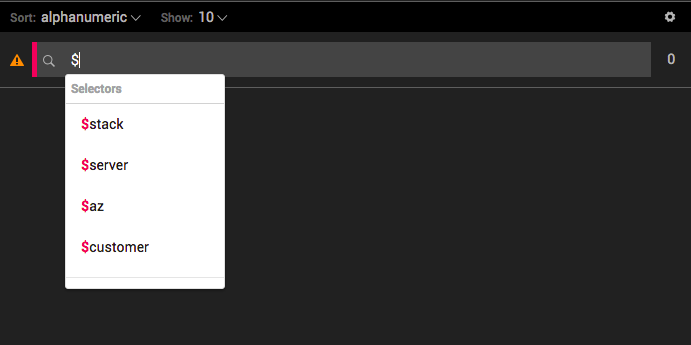
-
Select a Selector.
-
Complete the expression.
-
Click Save.
Updated over 1 year ago
Did this page help you?